

Maybe it’s because the tiny internet gremlins get bored, but contact forms have a sneaky way of breaking when no one is looking.
And since your contact form is one of the main ways people reach out, that can mean missed messages, frustrated visitors, and perhaps even opportunities slipping by.
The good news is that testing your contact form is easy, and it’s a quick website win with a big impact. In this post, I’ll walk you through how to check that it is working properly (and what to do next if it’s not).
📝 Step 1: Fill Out Your Contact Form
Navigate to the page with the form you want to test, and let’s get started:
- Fill out the form using your own name and email.
- Be sure to fill in all fields so you can check that everything is coming through properly.
- Click submit and watch for a success message so you know the form went through.
📫 Step 2: Check Your Inbox
Wait about 5 minutes, then open the inbox that your form submissions are sent to:
- Did you receive the message?
- Did it land in spam or directly in your inbox?
- Are all the form fields included in the email and clearly labeled?
✅ If the email looks good, congratulations – you’re done! You can be confident your form is working and that you’ll receive future messages from visitors.
🛑 If you still haven’t received the email after 15 minutes (and you’ve checked Spam and Trash, just in case), there’s likely a problem with your form.
- If you have access to the form settings, double-check that submissions are being sent to the right email address (and triple-check for typos!).
- If the email address is correct, it’s likely a bigger issue. But don’t panic – give me a shout and I’ll help you work through it!
⭐️ Step 3: A Few More Contact Form Checks
Once your form passes your initial test, here are a couple of additional checks to perform:
- 📲 Test the form on mobile. Your form should work the same on desktop and mobile, but sometimes things get weird. Fill it out on your phone too, just to make sure everything is working the way it should.
- 📝 Test other forms on your website. Do you have contact forms for specific services? Or multiple forms on different pages? Test each one to make sure there aren’t any issues.
- ✅ Review your success message. Make sure the message that appears after someone submits the form is friendly, clear, and sets expectations. That might mean letting them know when you typically respond or what to do next in the meantime.
🧐 How often should you test your contact form? I recommend performing this check monthly for your most important form and quarterly for the rest. This gives you peace of mind and ensures your form is ready to go when someone wants to reach out!
One Quick Check, Less Website Stress
Testing your contact form is an easy way to get a boost of confidence that your website is making it easy for your visitors to get in touch with you.
If you ran into any issues during this process, I’m happy to help! Get in touch with me (through my hopefully working contact form!) or check out my Website Reset Day to get things back on track quickly!
✨ Want more quick website wins?
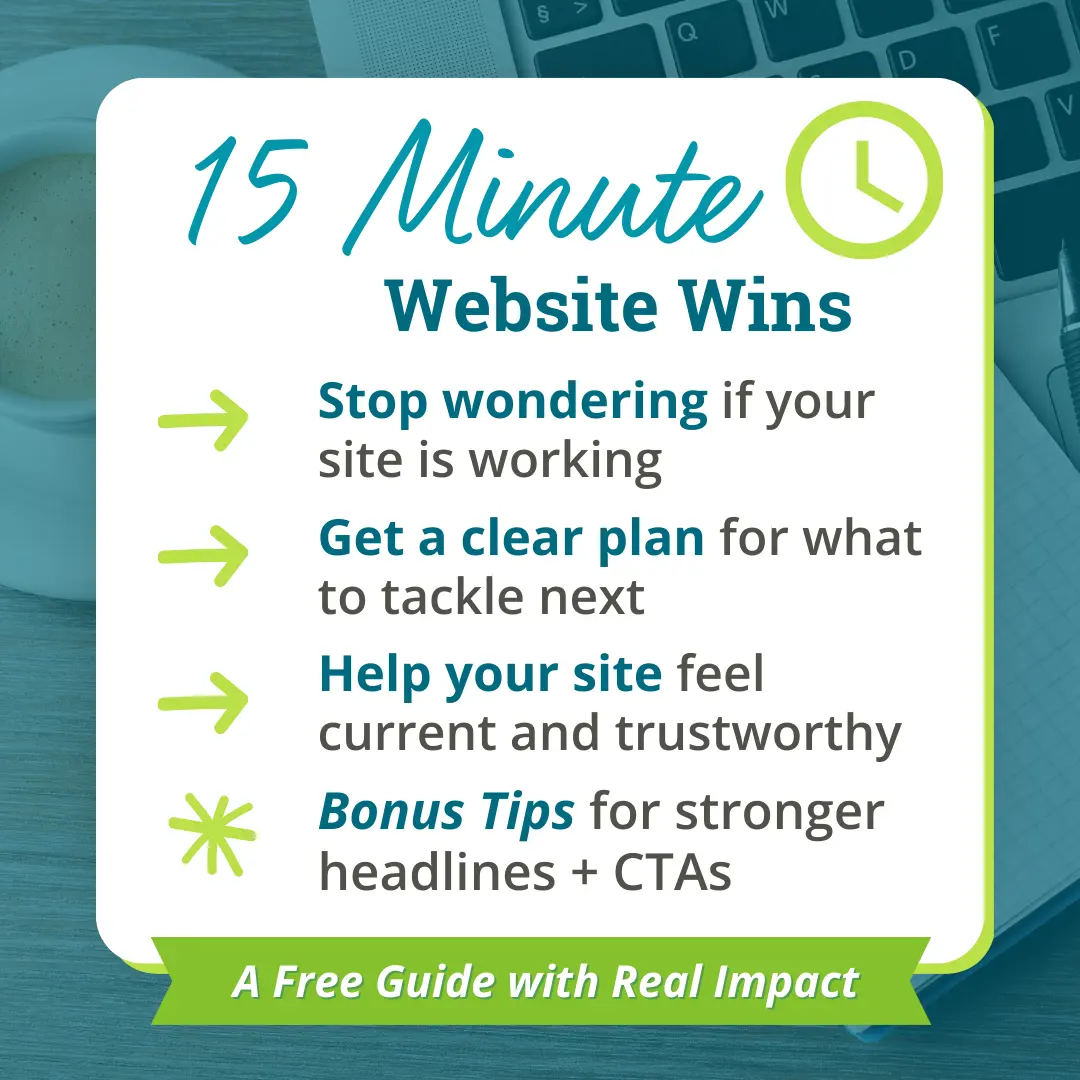
🎁 Grab my free 15-Minute Website Wins mini guide: simple fixes to make your site run smoother & look more trustworthy. Just drop your email below and I’ll send it straight to your inbox. ⬇️
By signing up, you’ll also join my mailing list. I send 1–2 helpful emails a month – no spam or anything, just tips & resources to make dealing with your website faster & easier.