

Branding is one of those words that can feel intimidating. It conjures images of big companies with massive budgets, agency teams, and years of careful positioning. Think Apple. Think Starbucks.
But branding is not just for huge companies. On a small business website, branding is about making it easy for people to recognize, trust, and connect with you.
Branding starts with your visuals (like your logo and colors), but it goes further than that – it’s what makes someone land on your homepage and immediately feel like they are in the right place (or click away because something felt off 🫣).
Let’s walk through five website branding basics that will help your site feel pulled together.
Start With These 5 Website Branding Basics
Your website is often the first stop for customers, donors, or clients, so let’s break down how to make sure your branding is consistent to help your audience feel comfortable giving you that trust quickly.
1. Choose a Small Set of Brand Colors
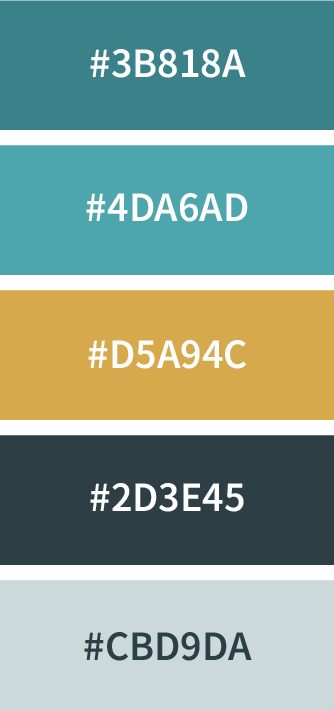
Pick 1–2 colors and use them consistently. Typically these colors will come from your logo or other brand assets, and you’re looking for a primary color and an accent color.
Note: If you only have one color to use as a jumping off point, you can use Canva’s Color Wheel to generate a coordinating color to use as an accent.
Once you’ve picked your colors, save the exact color codes somewhere easy to find. A note on your phone works fine (mine’s literally called Brand Stuff), but I also have a Canva template at the end of the post to make it super-easy.
I find it’s easiest to save the HEX code (that’s the one that looks like this: #343434), because it’s the format that works most consistently across websites, design tools, and other apps.
✅ Quick Bonus Tip: When using color on your website, make sure your text color has enough contrast with your background so it’s easy to read.
2. Pick Fonts That Feel Like You (and Stick With Them)
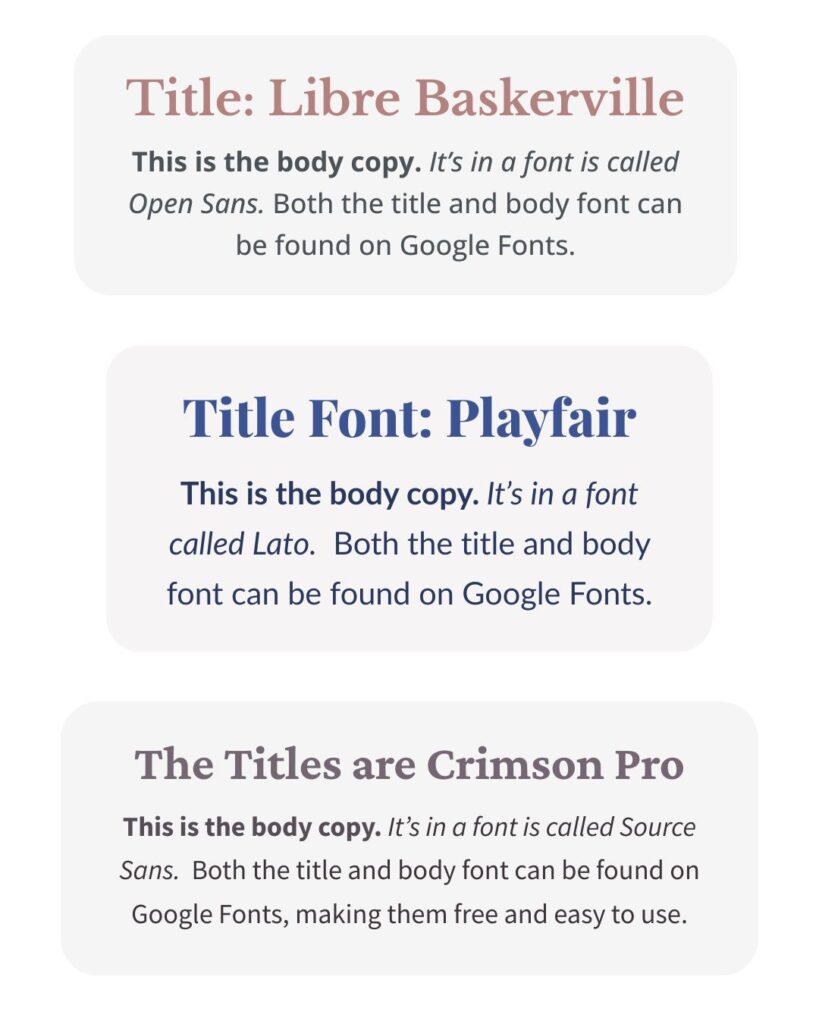
Choose 1-2 fonts and stick with them. I recommend choosing a headline font (something with a bit of personality) and a body font (something super readable). Again, write the names down somewhere!
If the font used in your logo is easy to access, that’s a perfect place to start, as long as there’s a webfont version for your website. If not, Google Fonts is a great place to find fonts that work everywhere – from your website to Canva.
Keeping your fonts consistent helps your brand feel more pulled together without turning every new graphic or website update into a whole decision-making spiral. And your future self will probably be very grateful when you need to throw together an Instagram story at the last minute!
3. Get Clear on Who Your Website Is For
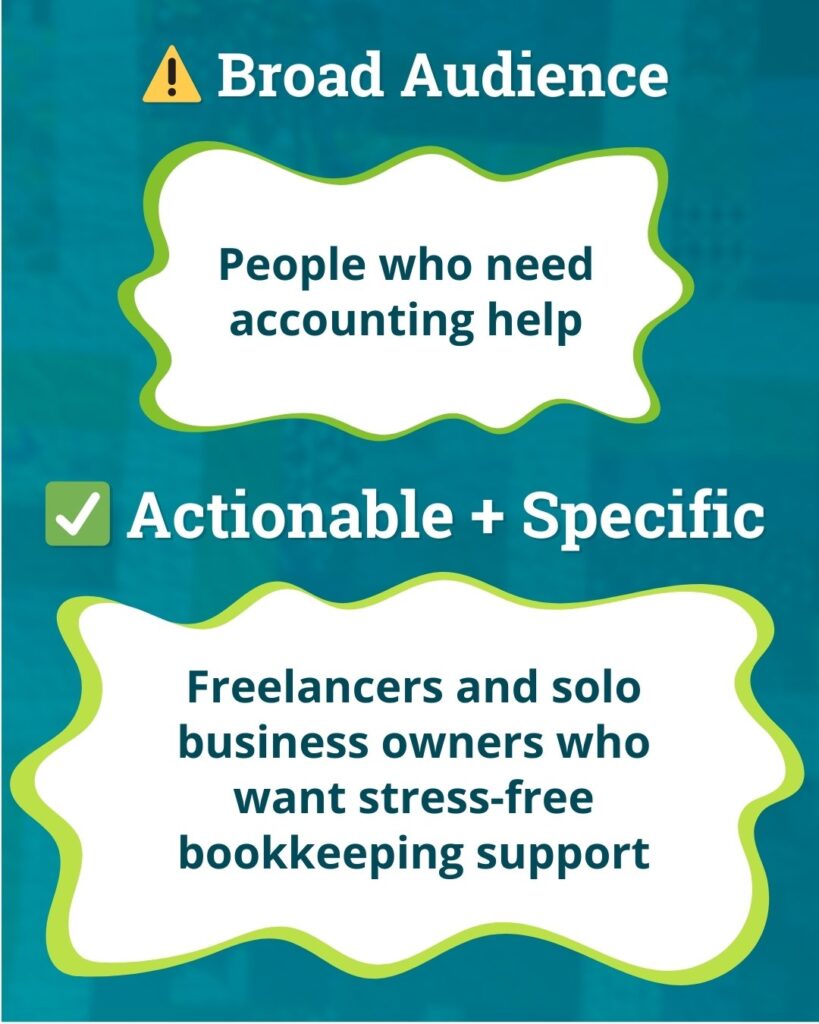
Take a few minutes to write down who you most want your website to speak to. I know it’s tempting to say “everyone!” (been there), but narrowing this down helps the right people feel like they’ve landed in the right place.
For example, instead of “people who cares about the environment,” a home composting service might focus on “local families looking for easy ways to reduce food waste.” That shift helps shape everything from your home page headline to the photos you choose.
This does not mean you will only work with one type of person. It just means your website messaging speaks most clearly to the people you’d love to serve most – and they’re much more likely to click, donate, or sign up because they feel like you’re talking directly to them.
4. Give Your Website a Consistent Voice
Write down a few words that describe your brand’s overall vibe – also known as your brand voice. Are you friendly? Professional? Energetic? All three?
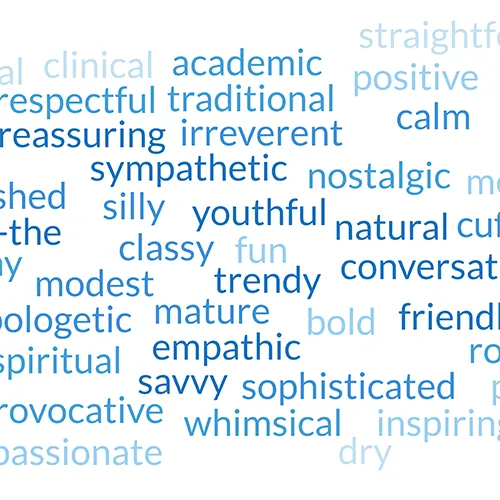
If you’re having trouble describing your voice, think about how you naturally communicate with clients you love. Maybe you’re “warm but straightforward” or “joyfully educational” or “calmly confident.”
These descriptions are really helpful when you’re wondering, “does this sound like me?”
And your brand voice isn’t just for emails or social media; it shapes your website, too. Your homepage headline, About page intro, and even the text on your buttons (“Get Started” vs. “Let’s Begin”) should sound like you.
5. Use the Right Logo Files in the Right Places
Your brand is more than your logo, but your logo is still one of the most visible pieces of your brand. It is often one of the first things people notice on your website, so making sure it looks sharp goes a long way.
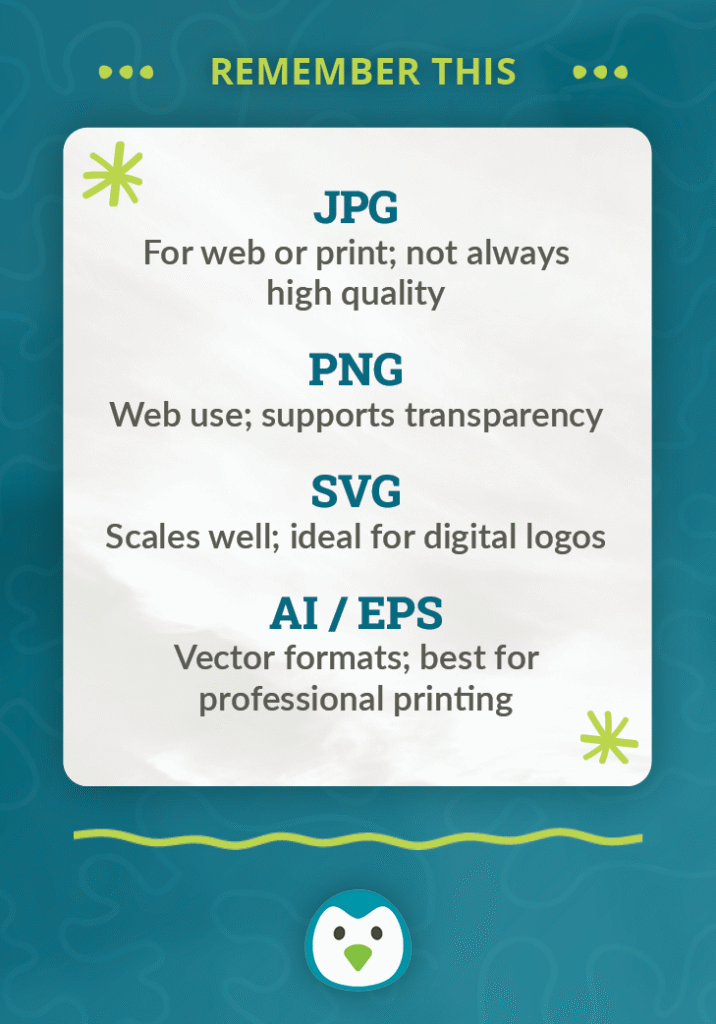
Here are the formats you’ll most commonly use:
- SVG: Scales beautifully on all devices without getting blurry.
- PNG: Great for when you need a transparent background.
- JPG: Works for photos or graphics that don’t need transparency.
You might also see files like AI, EPS, or PDF. Those are important to keep (especially for print), but they are not usually the files you will upload to your website.
Having the right logo file ready when you need it helps your brand look polished and cohesive – no more stretched, pixelated, or oddly cropped versions sneaking in!
You Do Not Need Perfect Branding to Start
Your branding does not need to be perfect for your website to feel more pulled together. We are not aiming for giant-company-with-an-agency-budget energy here. We are just trying to make your site feel consistent, recognizable, and easy to trust.
That usually comes down to a few basics: consistent colors, fonts, visuals, tone, and a logo that shows up crisp instead of blurry.
A few thoughtful choices can go a long way in making your website feel more polished, recognizable, and authentically you.
✨ Ready to pull your brand together?
It’s wayyy easier to stay consistent when your colors, fonts, logo, and tone are all in one place.
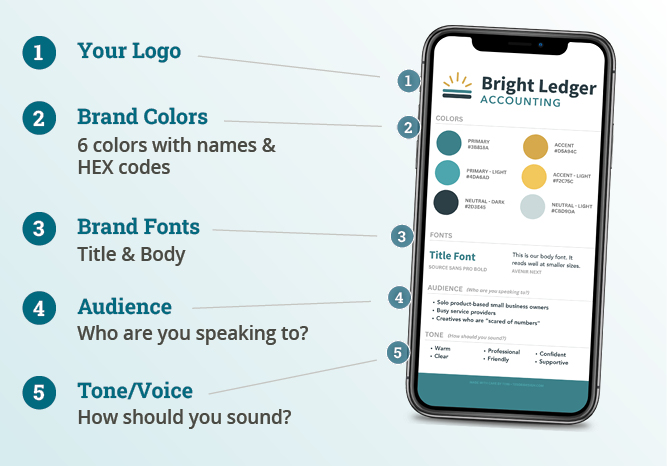
🎁 Grab my free One-Page Brand Guidelines Canva Template to start filling in the pieces you already have. Just click the button below to go straight to Canva. ⬇️